
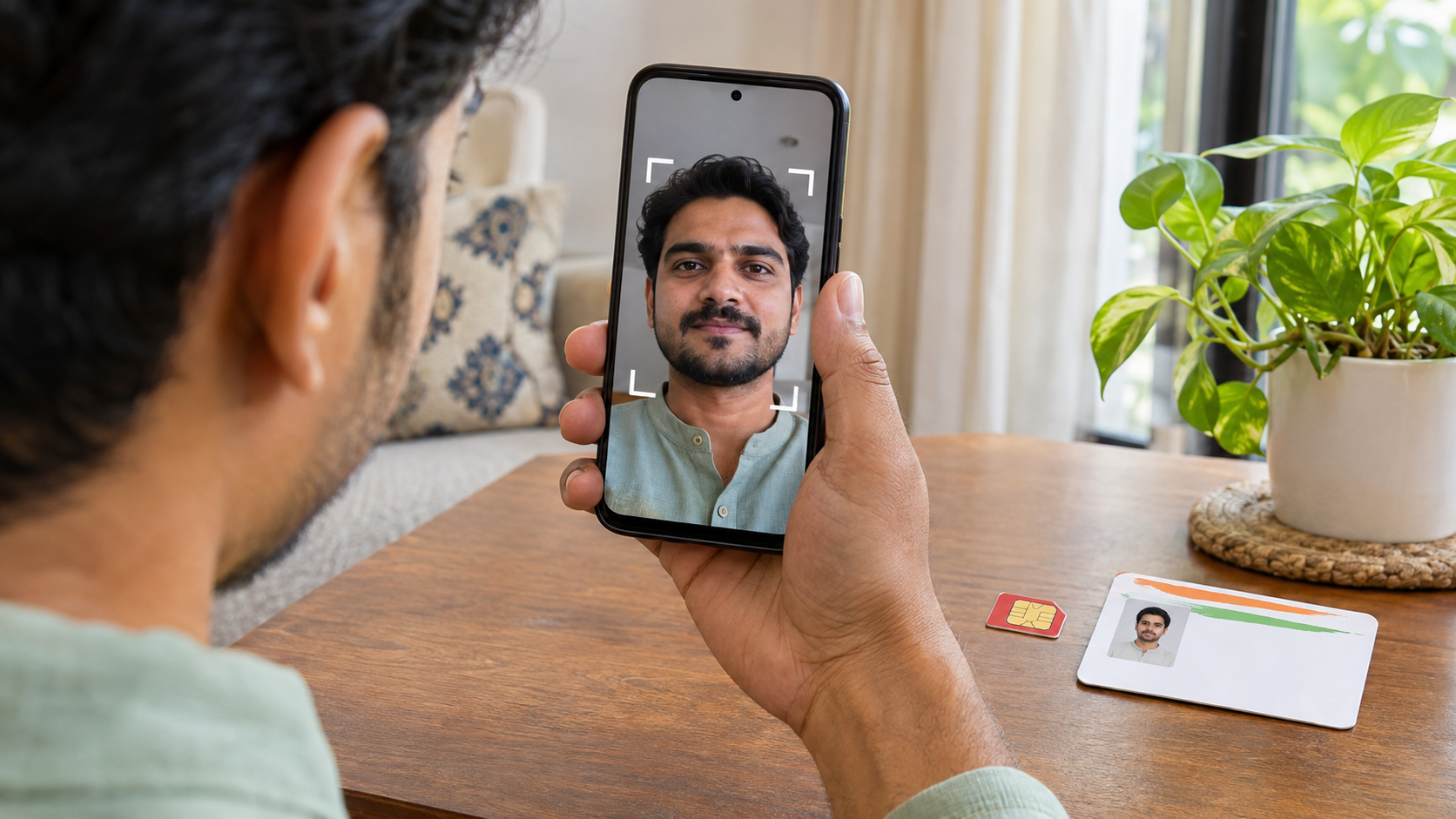
UIDAI’s Aadhaar App lets eligible users change their registered mobile number using OTP verification and face authentication. The update can take up to 30 days.
Highlights
- You can change your Aadhaar-linked mobile number through the official Aadhaar App on Android or iPhone.
- If you registered on the app with your Aadhaar-linked number, you need an OTP on the new number.
- If you registered on the app with a different number, UIDAI requires OTP verification on both the old and new numbers.
- If your old number is inaccessible or you have never linked one, visit an Aadhaar Seva Kendra or authorised update centre.
New Delhi, November 10 — If you are switching SIMs or still have an old number linked to Aadhaar, you may be able to update it from home. The Unique Identification Authority of India (UIDAI) allows mobile number changes through its official Aadhaar App. Whether you can complete the process online depends on which number you used to register on the app and whether you can still access the number linked to Aadhaar.
An outdated number can interrupt a bank or government service transaction that requires an Aadhaar OTP. The immediate issue is receiving the verification code. Eligibility for benefits such as ration or pension depends on the rules of the individual scheme.
How to update your mobile number in the Aadhaar App
Open the official Aadhaar App and sign in. In the Services section, select Mobile Number Update and enter the new number. Verify the required OTPs, complete face authentication, pay the prescribed fee and submit the request. Keep the new SIM active so you can receive the verification code.
Which number receives the OTP?
If you registered on the app using the same mobile number that is linked to Aadhaar, UIDAI requires OTP verification on the new number. If you registered on the app with a different mobile number, you must verify both the old Aadhaar-linked number and the new number. Face authentication is required in both cases.
If the old SIM has been lost, deactivated or is otherwise inaccessible, you will need to visit an Aadhaar Seva Kendra or another authorised enrolment and update centre. The same route applies if you are linking a mobile number to Aadhaar for the first time.
How much does it cost and how long does it take?
UIDAI’s fee schedule lists ₹75 for a standalone demographic update, including a mobile number change. The authority says processing through the app can take up to 30 days. The new number will appear in the app once UIDAI completes the update, so allow for processing time if you have an upcoming transaction that requires Aadhaar OTP verification.
SEO keywords · Aadhaar mobile number update, Aadhaar App mobile update, update Aadhaar mobile number online, Aadhaar OTP verification, Aadhaar mobile update fee, Aadhaar face authentication, Aadhaar Seva Kendra, UIDAI Aadhaar update